Guides
How to get unbanned from Tinder: a real-world recovery guide (2026)
Tinder bans accounts for Community Guidelines or Terms of Use violations. See how to read your ban, file an appeal, and set realistic expectations.
Oct 09, 2026 · 13 min read
PayPal is an online payment system used for online transactions by people and merchants. Its sign-up form lists a phone number as mandatory for Personal accounts. No official phone-free sign-up exists in 2026. The company holds US money transmitter licenses under NMLS ID 910457. Its parent reported 439 million active accounts on June 30, 2026.
Yes, PayPal requires a phone number to open a Personal account. The official Help Center lists four mandatory fields: name, address, phone number, and email address.
An email address works as a parallel field, not a substitute. So the answer to "do you need a phone number for PayPal" stays yes.
PayPal Business accounts follow a similar rule. Its PSD2 guidance tells business users to keep an up-to-date phone number on file for login. The order of Business sign-up prompts is not documented, so check the live form first.
A PayPal account without phone number data is not an official setup. What you control is which telephone number receives the code.
Four situations lead people to search how to sign up for PayPal without phone number exposure. One example: a freelancer opening a second account for client payments with no spare SIM card.
A virtual phone number works over the internet without a physical SIM card. PayPal does not document these motivations, yet the virtual route covers all four.
How to create a PayPal account without a phone number of your own comes down to three methods. Each method differs in cost, reliability, and setup time, based on official Google and SMSFAST data from October 2026.
| Method | Cost | Reliability for PayPal | Setup time | Suits |
| Google Voice (free VoIP number) | Free for personal use in the US | Low: Google says some websites won't text its numbers | Needs an existing US number first | A zero-cost first attempt |
| Temporary SMS verification service (SMSFAST, Text Verified) | From $0.21 per activation on SMSFAST | Per number, with a refund to balance on SMSFAST if no code arrives | One purchase, with a 20 to 90 minute window on SMSFAST | One-time account creation |
| Email-first sign-up | Free | Not standalone: the phone field stays mandatory | No extra setup | Confirming email before the phone step |
Google Voice costs $0, while SMSFAST starts at $0.21 per PayPal activation, so the paid route serves as the fallback. Email-first adds no cost but never replaces the phone step.
Google Voice is a free VoIP service from Google that can supply a US number for a PayPal attempt. VoIP (Voice over Internet Protocol) sends calls and texts over the internet instead of a cellular network. The app works only in the US and links to an existing US number.
Google also states that some websites, such as banks, won't send texts to Google Voice numbers. TextNow, another free VoIP app, says some services do not accept its numbers for verification. PayPal publishes no VoIP rule, so a free attempt stays uncertain.
A temporary SMS verification service rents phone numbers for receiving one-time codes online. On SMSFAST, you pick PayPal and a country, buy a number, and read the code in a web dashboard. The service covers 190+ countries and runs a dedicated virtual number page for it.
Text Verified also lists PayPal and sells US numbers through prepaid credits, per its own service page. Results vary by number on both providers.
For missing texts, PayPal advises asking your mobile carrier to enable short-code messaging. A virtual number has no carrier account to call, so switch numbers instead. Before buying, check four markers: track record, US number availability, published prices, and fresh stock.
SMSFAST prices these numbers from $0.21 per activation, and the temporary phone number price depends on the country. A US number costs $0.91, so the PayPal verification number cost ranged from $0.21 to $1.21 across featured countries. SMSFAST charges only when the code arrives.
Text Verified's current PayPal rate could not be verified at time of writing. SMS verification cost changes often, so check the SMSFAST prices page before you top up.
An email-first sign-up means confirming your email address before PayPal reaches the phone step. The company sends a confirmation link to every email address you add. Email-first costs nothing.
Still, the Personal account form keeps both the phone number and the email address mandatory. No verified email-only way to create PayPal without phone number data exists in 2026. Email-first is a free first step that still ends at the phone field.
The five steps below use a non-personal number to meet the phone rule rather than remove it. To set up PayPal without phone number exposure, follow this order:
Start PayPal sign-up in a desktop browser and pick a Personal account. Desktop is a consistent starting point because 2-step verification setup runs only in a web browser. A second tab can hold your number dashboard.
Confirm your email address as soon as PayPal sends the link. You open the link, enter your account password, and select Confirm. Later security checks can send a 6-digit code to that email. A confirmed address gives you a backup channel beyond the phone.
Match the number source to how long PayPal needs to reach it. For one-time account creation, SMSFAST activation mode holds a number for 20 to 90 minutes. Text Verified sells single verifications.
For ongoing security checks, SMSFAST long-term rental runs from 1 day to 1 year and renews. Google Voice is free but refused by some websites. No source passes PayPal's check every time, so plan a backup number.
A temporary number verification dashboard follows a three-part workflow for PayPal codes, though labels differ by provider. On SMSFAST, you pick the service under Select service, choose a country, and click Buy. Your number appears in the Number field, and the code lands in Code from SMS. Text Verified uses a search bar and a verification panel instead.
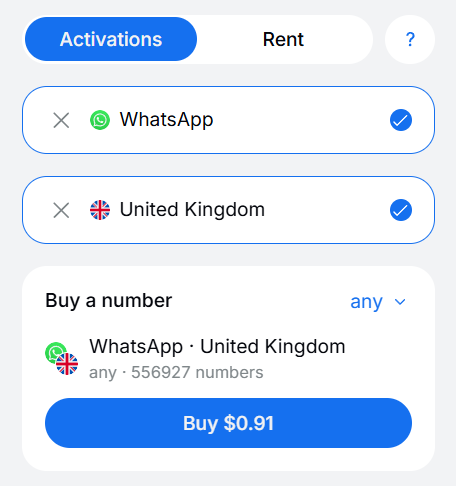
Paste the virtual number into PayPal's phone field with its country code, then request the code. The text carries a 6-digit code that expires after 5 to 10 minutes. Wait at least 90 seconds before a new request, as the multi-factor help article advises. If nothing arrives, the help article suggests changing the number, so click Cancel on SMSFAST and take a new one.
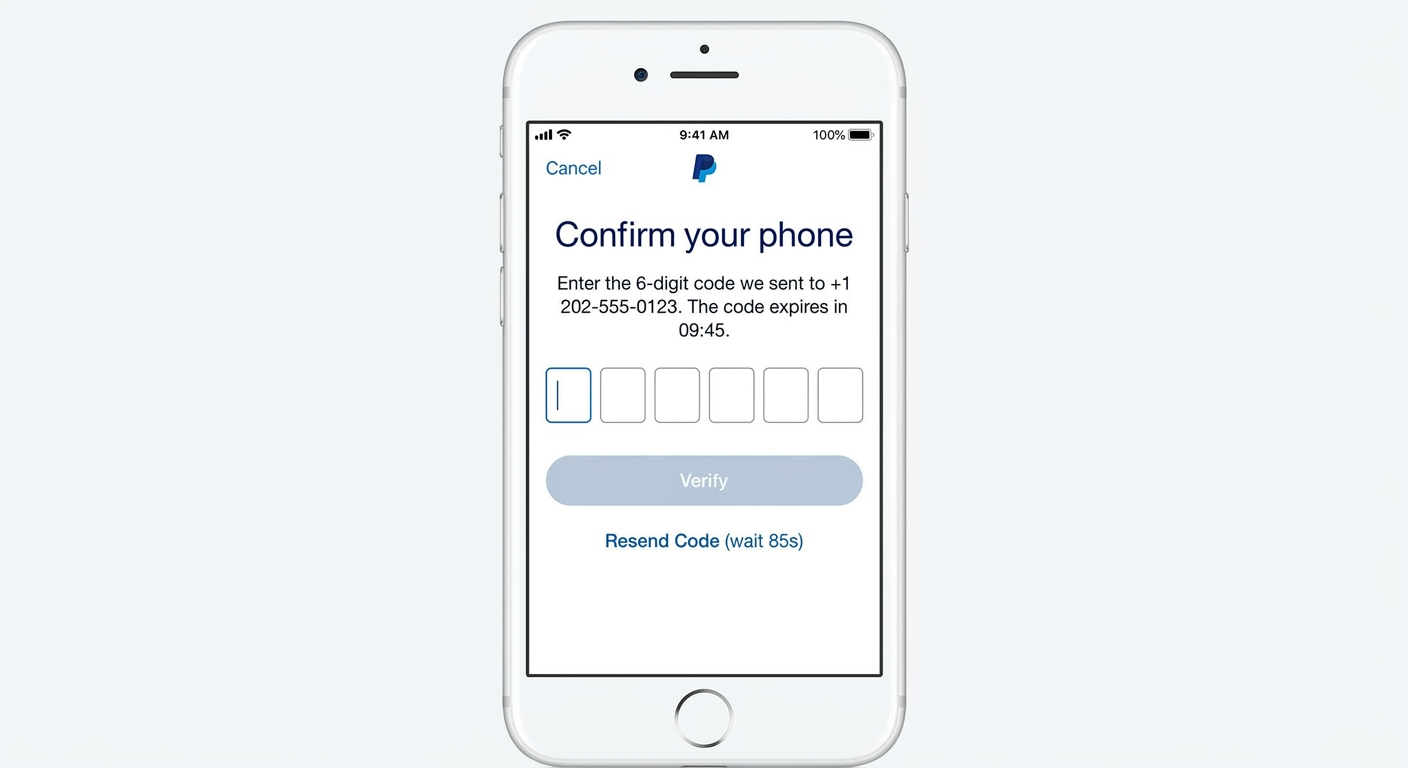
Finish your PayPal profile, then turn on 2-step verification under Settings and Security. The setting accepts an authenticator app or a text code. An authenticator app keeps login codes working after a temporary number expires. Set a unique password of at least 12 characters, as the same page recommends. SMSFAST's two-factor authentication overview lists more options.
The help article names one cause of phone errors: a name or address that differs from the phone billing statement. If your question is "why won't PayPal accept my phone number", check these causes:
In the new vs used verification number split, a new number has never received a PayPal code. A used one has. SMSFAST does not relist a number after a successful activation and does not resell numbers after a rental ends. Text Verified states its numbers are not reused for the same service.
Carriers can still reissue a telephone number to a new subscriber. Community reports link a PayPal number rejected at sign-up to prior account ties. Official documentation does not confirm this.
PayPal's published terms do not explicitly ban a virtual phone number, but they do not approve one either. Under the User Agreement, a mobile number you add may receive autodialed calls and texts. Stated purposes are account servicing, security investigations, and debt collection.
The practical risk is access. PayPal sends later security checks to the number on file, and an activation-mode number expires within 90 minutes. Account limits can also follow regulatory obligations, policy breaches, unauthorized access, high claim and chargeback rates, or inactivity. SMSFAST long-term rental or an authenticator app keeps account recovery possible.
Beyond PayPal, Google Voice and Text Verified numbers can serve other services that verify accounts by SMS. Policies differ, so check each service's terms first. Uber texts a mobile verification code at sign-up and recommends a wireless carrier number. Similar services include:
Can you make a PayPal account without a phone number at all? Officially no, because the Personal account form lists a phone number as mandatory. You can still make one without your personal number.
A temporary SMS verification service is the route with published PayPal support. SMSFAST lists it from $0.21 per activation. Text Verified lists it too, without a verified price. No method carries official confirmation of reliability, so plan for one retry.
To use PayPal without phone number ties to your own SIM later, change the number in account settings. Questions about a specific case can go to SMSFAST's 24/7 live support.
Subscribe to our Telegram channel and receive $0.25 on your balance.
No. PayPal's Personal account form lists a phone number as mandatory. A virtual phone number from SMSFAST can receive the 6-digit code instead, so your personal number stays private.
Yes, a phone number is mandatory for a PayPal Personal account, together with your name, address, and email address. Business accounts also need an up-to-date phone number for login. Neither account type offers an email-only option in 2026.
Partly. PayPal security checks can send a 6-digit code to your email or use security questions. Account creation still needs a phone number, so email covers later checks, not sign-up.
Buy a virtual phone number on SMSFAST by choosing PayPal and a country, from $0.21. Paste the 6-digit code into the sign-up form. If no code arrives, cancel for a refund to balance.
PayPal uses the phone number to confirm your identity at sign-up and during later security checks. A check can appear after a login from a new device or location. Each text code expires after 5 to 10 minutes.
Sometimes: Google says some websites won't text Google Voice numbers. TextNow limits most verification codes to paid plans or its SIM card. PayPal publishes no VoIP rule, so treat either as a free test.
The main risk is losing the number PayPal uses for later security checks. SMSFAST activation numbers last 20 to 90 minutes. A long-term rental from 1 day to 1 year, or an authenticator app, keeps account recovery possible.
Tinder bans accounts for Community Guidelines or Terms of Use violations. See how to read your ban, file an appeal, and set realistic expectations.
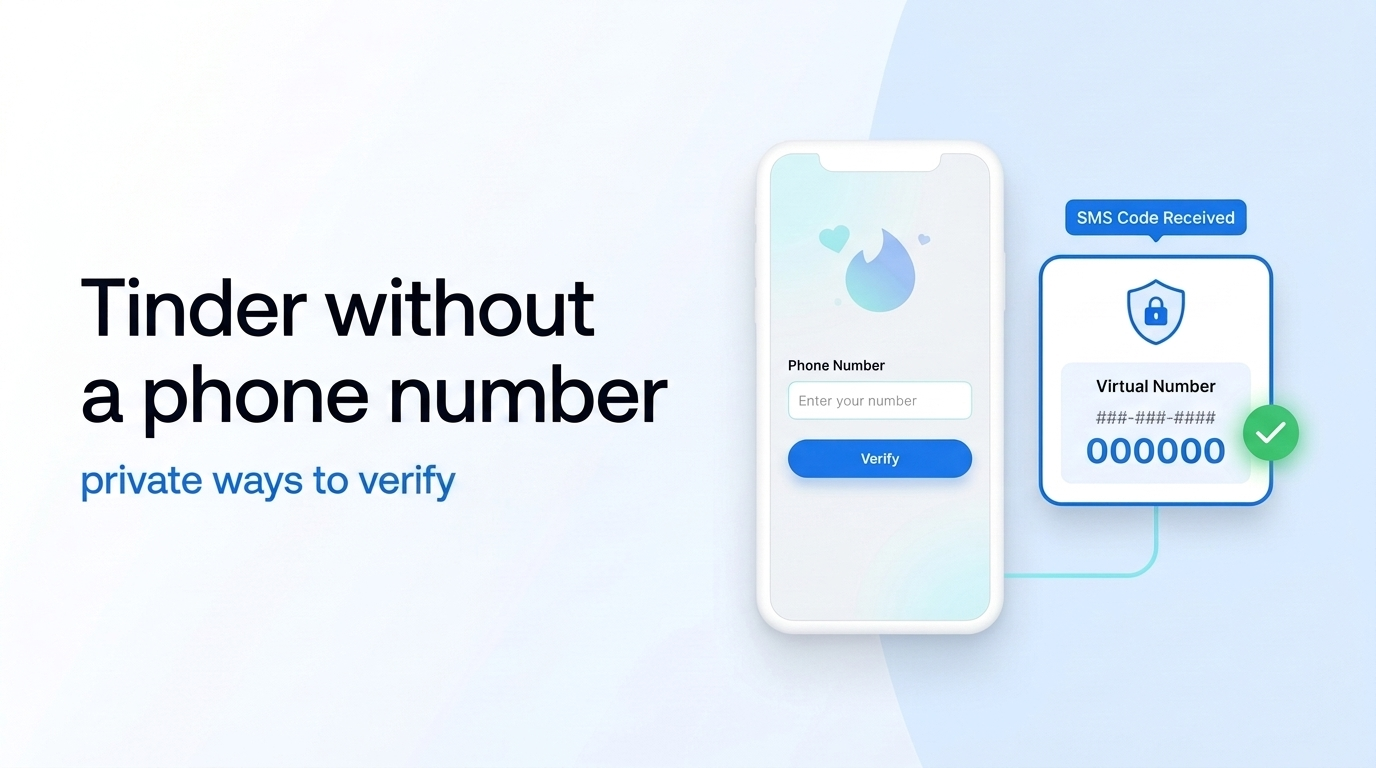
Tinder needs a phone number and an SMS code for every account. A virtual number keeps your personal one private. See the steps, costs, and limits.