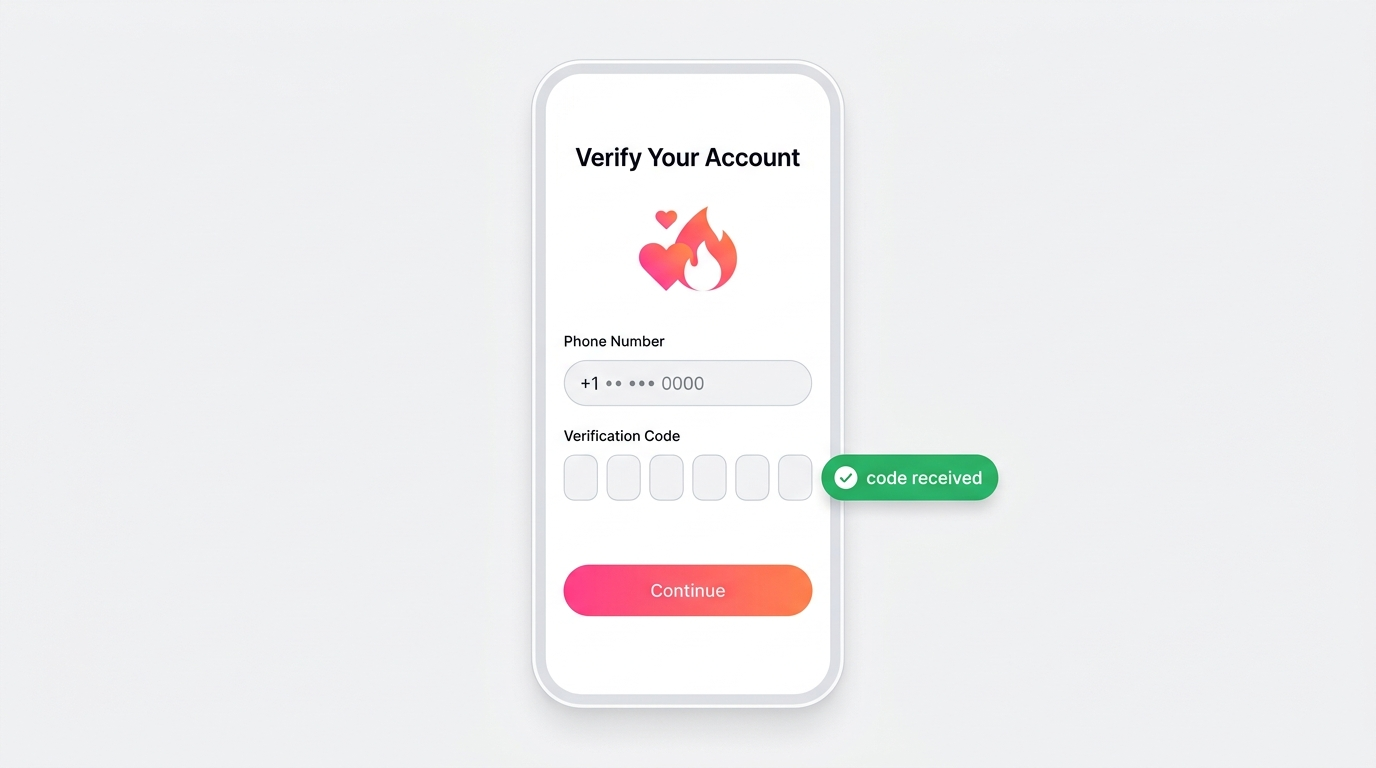
Tinder requires a phone number and a verification code for every new account. The official Tinder account guide lists phone entry and verification as a core setup step on both the app and Tinder.com.
Sign-in shortcuts do not remove that step. You can start with Google or Apple, and the web flow may prompt for an email address, yet Tinder still asks you to verify a phone number to reach full account access. An email-only path stays unconfirmed as a universal option, so treat phone verification as the standard route.
That number usually comes from a physical SIM card. Replacing your personal SIM with another number is exactly where sign-up gets awkward, which is why this guide maps the routes that work.
Why phone numbers matter beyond verification
Tinder uses phone verification to limit duplicate and automated sign-ups, since one number ties to one profile. That single check doubles as a quiet privacy decision for you.
The same SMS channel that carries your code also carries risk once a match has your personal number. Romance scammers build trust, then push the chat off the app toward private texts or calls. A match who asks for your number in the first few messages fits that pattern.
A virtual number answers both concerns at once. It receives the verification code, and it keeps your real number off the conversation if a match turns out to be a problem.
Why users sign up for Tinder without their real number
Four motivations drive the choice of a separate number: personal privacy, distance from scammers, contact control, and plain peace of mind. Each one points at the same fix. Tinder still needs a number, but that number does not have to be your own.
Protecting personal privacy
Your personal phone number links straight back to your identity. Once a stranger has it, reverse-lookup and data-broker services such as Whitepages or PeopleFinders can return your name and past address history from that number alone. Those services are marketed openly, so the risk sits within easy reach of any match.
That trail disappears behind a virtual number. Your dating profile runs on a number that leads nowhere near your home address or real-world records.
Avoiding scammers and catfishing
A romance scam, also called confidence fraud, drains real money from online dating. Americans reported about $672 million in romance and confidence scam losses in 2024, according to the FBI Internet Crime Complaint Center. Losses among people aged 60 and over reached roughly $389 million of that total.
A virtual number works as a clean break point. If a match reveals itself as a scammer, you delete the number and the contact channel closes with it. A personal number offers no such exit once you have shared it.
Staying in control of who can make contact
Unmatching does not always end contact. If a match saved the personal number you shared off the app, the texts keep coming after you unmatch on Tinder. The unmatch alone does nothing to stop them.
The fix is a virtual number, which you drop whenever you want. Every off-app thread tied to it goes quiet with it.
Reducing dating app anxiety
Handing a real number to strangers adds friction before you even match. The data backs up the worry. A 2024 Mozilla *Privacy Not Included review gave 22 of 25 dating apps its lowest privacy label and found that 80% of them may share or sell personal data, with Tinder among the apps reviewed.
Trust sits low across the board. Only 30% of Americans said they feel truly safe using dating apps in a 2024 Checkr survey of 3,000 employed Americans. A 2024 study on why people leave dating apps lists privacy concerns among five main reasons users disconnect. A virtual number lets you engage with online dating more openly, because your real contact details stay out of the exchange.
How to create a Tinder account without using your phone number
Three methods verify Tinder without your personal number: a virtual number app, a second SIM or eSIM, or an SMS verification rental service. Each one still has to catch the same SMS code, so the real question is which delivers it reliably. Pay-per-use rental services clear Tinder most reliably for a single sign-up, since app-based numbers usually read as VoIP. The sections below break down each route so you can pick before you start.
Option 1: use a virtual number application
Virtual number apps such as Burner and Hushed hand you a second number inside an app that can receive an SMS code. Tinder commonly flags numbers it reads as VoIP, though, and these apps usually fall into that category. Google Voice, a free VoIP number, is the clearest example: Tinder regularly rejects it at verification.
Reported success is inconsistent and anecdotal, so plan to try more than one number. Burner runs on an auto-renewing subscription, while Hushed offers both subscriptions and pay-as-you-go credits, and both keep the number inside the app. Treat an app number as a maybe for Tinder, not a sure thing.
Option 2: verify Tinder with a second SIM or eSIM
A second SIM or eSIM gives you a carrier-issued number that Tinder rarely flags as internet-based, so acceptance runs high. Modern phones support eSIM, including iPhone XS and newer, Google Pixel 3 and newer, and Samsung Galaxy S20 and newer, though availability depends on the model, region, and carrier.
This route trades flexibility for reliability. A carrier line costs more than a single virtual number and resists quick disposal, which suits someone who wants a semi-permanent second line, not a number for a single sign-up.
Option 3: use an SMS verification rental service
SMS verification rental services are the cheapest route for a single sign-up. On Textverified, you pay per verification and top up by card or cryptocurrency, and the numbers are non-VoIP and carrier-backed, which clears Tinder more reliably than an app number.
One limit matters here: the rental number receives the code once and is not kept for recovery, so rely on your email and password to get back into the account later. Short daily rentals exist if you need the number longer. SMSFAST works the same pay-per-use way and adds an automatic return to balance when a code fails.
Step-by-step: register for Tinder without a personal phone number
This walkthrough pairs a virtual number from SMSFAST with the full Tinder setup, from funding your account through a verified profile. Follow the steps in order, and handle each friction point as it appears.
Register on SMSFAST and subscribe to its Telegram channel to claim the $0.25 bonus.
Top up your balance on the prices page if the bonus does not cover the number. Fund the account first, since a dry balance stalls you mid-signup.
Pick Tinder and your country in the number widget, then buy the number and copy it.
For an account you plan to keep, choose long-term rental. Cancellation for long-term rental is coming soon, so for now pick the length you need up front.
Download Tinder from Google Play or the App Store, tap Create account, and paste the number.
Start verification, then read the code from your SMSFAST dashboard when it lands.
Type the code into Tinder promptly, since activation numbers stay live for 20 to 90 minutes.
Finish your profile and start matching.
If Tinder rejects a number, pick a fresh one from the dashboard rather than retrying the same one, since a rejected number rarely clears on a second attempt. When no code lands, click Cancel and the cost returns to your balance, so you lose nothing on a miss.
Buy number for
service
Available
numbers:
pcs
service
There are no numbers
Best virtual number services for Tinder registration
Five services cover most Tinder sign-ups, and number type separates the ones that work from the ones that stall. Mobile-tagged, non-VoIP numbers clear Tinder, while app-based VoIP numbers often do not. The success ratings below reflect observed outcomes during testing, not published guarantees.
SMSFAST leads here: its long-term rental numbers generally fit the mobile type Tinder accepts, though results vary by number, country, and carrier. It keeps one number for an account you plan to hold (cancellation is coming soon, so pick the length up front) and returns your balance automatically when a code fails. Textverified also issues non-VoIP numbers but carries no automatic refund, while Burner, Hushed, and Google Voice rely on VoIP and face more rejections.
Common problems when verifying Tinder without your own number
Most verification failures trace to three causes, and each one has a direct fix. Work through them in order before you blame the app.
"Invalid number" rejection: Tinder read the number as internet-based and refused it at the code-entry screen. Switch to a mobile-tagged or carrier-issued number from a different pool, since internet-based lines rarely clear.
"Carrier not supported" error: the country or network behind the number falls outside Tinder's accepted list. Choose another country in the widget, buy a fresh number, and start the sign-up again.
No code after several minutes: delivery stalled and nothing reached the dashboard. Click Cancel for an automatic return to balance, then select a new number instead of waiting on the same one.
A dependable number pool cuts most of these misses before they start. Read more on what a virtual phone number does first.
Is using a virtual number against Tinder's terms of service?
A privacy-motivated virtual number sits in different territory from fraud. Tinder's current Terms of Use do not single out virtual numbers for account creation, while Tinder's rules clearly prohibit impersonation and the running of deceptive or multiple accounts.
The line comes down to intent. Verifying one honest profile with a number that protects your identity differs from abuse that Tinder's policies target. Keep your use to a single, truthful account, and the privacy choice stays on the right side of that line.
What a virtual number does not cover: Tinder Face Check
A virtual number keeps your phone number private, but it does not make the account anonymous. Since October 2025, Tinder has required Face Check, a short video selfie, from every new user in seven countries and California, and from new users in the United Kingdom since 25 March 2026, with more US states to follow.
Face Check confirms a live person who matches the profile photos. Tinder deletes the video after review and keeps an encrypted, non-reversible face map to detect duplicate accounts. A virtual number changes none of this: where Face Check is active, you complete it with your real face, whatever number verified the account.
Tinder's built-in privacy controls: an extra layer
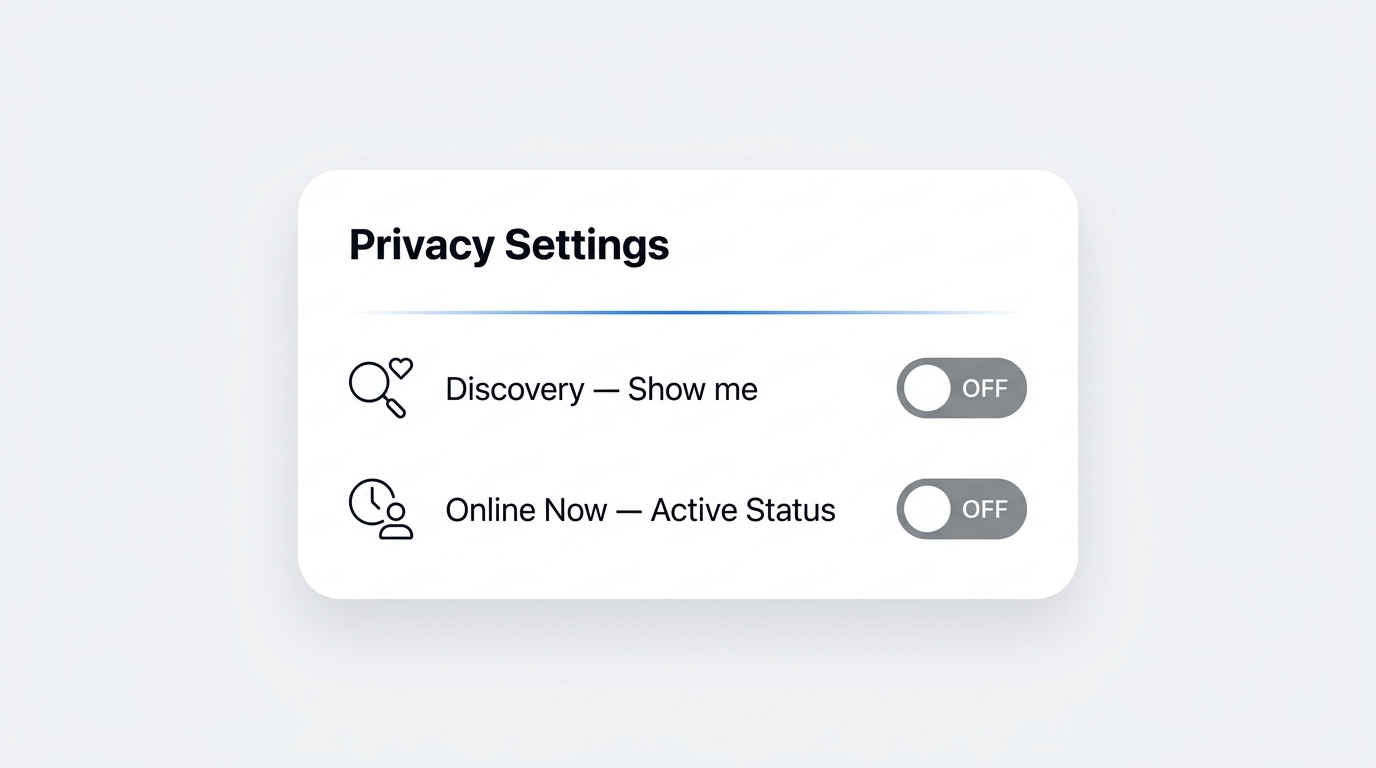
Tinder's own settings pair well with a virtual number for fuller control over who sees you. The Discovery toggle, the Active Status setting, and Incognito Mode each limit a different kind of exposure. None of them needs a separate sign-up.
Discovery controls whether new people see your profile. Active Status controls whether matches see your real-time presence. Incognito Mode, a paid feature, shows your profile only to people you have already liked. No Tinder feature carries the name "Ghost Mode," so ignore any guide that references one.
Disabling Discovery to control profile visibility
The Discovery toggle in Tinder hides your profile from new people while keeping your matches and chats open.
Open the Profile icon, tap Settings, scroll to Discovery, and switch off Enable Discovery (labeled Show me on Tinder on some versions). Discovery is available to all users at no cost.
Hiding "Online Now" activity status
On Tinder, the Online Now status tells matches you were active in the last two hours. Open the Profile icon, tap Settings, scroll to Active Status, tap Online Now, and turn it off. The Online Now guide covers the exact path.
Conclusion: signing up for Tinder privately is a practical, responsible choice
The takeaway is simple: keep your personal number off Tinder by verifying with a virtual one. That number receives the verification code, keeps your real contact details private, and gives you a clean exit if a match goes wrong. For an account you plan to keep, long-term rental holds one number for as long as a year, and the automatic return to balance covers any code that fails to arrive.
$0.25 Gift!
Subscribe to our Telegram channel and receive $0.25 on your balance.
Frequently Asked Questions
Can I open Tinder without a phone number?
No. Tinder needs a phone number and a verification code for every account. You can skip your personal number by verifying with a virtual number instead, which catches Tinder's SMS code in an online dashboard rather than on your own SIM.
Why do you need a phone number for Tinder?
Tinder uses the number to confirm one account per person and to limit duplicate and automated profiles. The app texts a one-time code to that number at sign-up. A virtual number satisfies the check while keeping your personal number private.
Is there a way to skip Tinder verification?
No method skips verification itself, since Tinder sends a code to every new account. You can route that code to a virtual number instead of your personal SIM. The step still happens; only the number receiving the code changes.
Can I log into Tinder with just my email?
Not reliably. You can start sign-up with Google, Apple, or an email prompt, but Tinder still asks you to verify a phone number for full access. An email-only account stays unconfirmed as a universal option, so plan on phone verification.
Is it unusual to use a virtual number for Tinder?
No. Privacy-minded users commonly verify accounts with a virtual number to keep their personal one off the app, and the practice is routine, not a warning sign. Tinder's Terms of Use do not single out virtual numbers, though its rules still prohibit impersonation and deceptive or duplicate accounts.
What are the risks of using a virtual number for Tinder?
Two trade-offs stand out. Contact matching with people who saved your real number may not work, and a lapsed rental can lock you out of recovery. A long-term rental also cannot be canceled after purchase for now, with cancellation coming soon, so pick the length you need up front. Keep it active, and both risks shrink.
Compare 8 OTP service providers by pricing, channels, and fraud protection. See real cost breakdowns, hidden platform fees, and which vendor fits your business.