Guides
Instagram Without Phone Number: The Complete Privacy Guide
Instagram needs a phone number or an email, not both. Sign up with email, remove a saved number, and control who finds you by phone.
Oct 11, 2026 · 14 min read
A personal phone number is the usual way onto Snapchat, but not the only way. Maybe you want a second profile, or you would rather keep your real number off the app.
Two routes clear verification without your personal SIM. Snapchat lets you sign up with an email address instead of a phone number.
A virtual phone number works as the second route. The number receives the code online, so your real number stays private.
Snapchat asks for a phone number to help verify an account, support SMS two-factor authentication, and ease recovery, though the number stays optional at signup. Snap Inc. sets the Terms of Service that govern the account.
One mobile number verifies one Snapchat account, and the same details cannot cover several accounts. A linked number also ties the account to your real identity, a privacy cost.
An SMS verification code confirms the number belongs to the person signing up. A verified number and email also help recovery after a password reset.
Two paths skip your personal number: email-only signup and a virtual phone number. Email signup covers a casual, short-lived profile.
A virtual number covers long-term or creator use, because it keeps SMS two-factor authentication and stronger recovery on the table. The table below weighs both on setup time, security, and recovery.
| Method | Setup time | Security | Recovery options | Best for |
| Email signup | 1 to 2 minutes | No SMS 2FA without a linked number | Weak, email only | Casual, one-off accounts |
| Virtual number | 2 to 3 minutes | SMS 2FA available | Stronger, number plus email | Accounts you keep or run for work |
Email signup is the officially supported path. Snapchat lets you choose email instead of a phone number at the signup screen, which makes this route fine for a one-off or casual profile.
The limitation sits in recovery. Without a linked number, the account loses SMS two-factor authentication and leans on email alone for a password reset. Pick this route when losing the profile would not hurt.
A virtual phone number receives the Snapchat verification code online, with no physical SIM involved. The number keeps SMS two-factor authentication within reach and gives stronger recovery than email alone, which makes it the better fit for any account you keep active.
A virtual number also sits apart from a physical SIM, so a SIM-swap attempt finds one less route to a personal line. Snapchat does not officially endorse virtual numbers, and success depends on the number type and provider.
Email signup finishes in about two minutes. Snapchat does not publish an exact tap-by-tap path, so treat the sequence below as a practical guide.
Snapchat's privacy policy lists name, username, email, birthday, and phone number, and the app may still prompt for a number later.
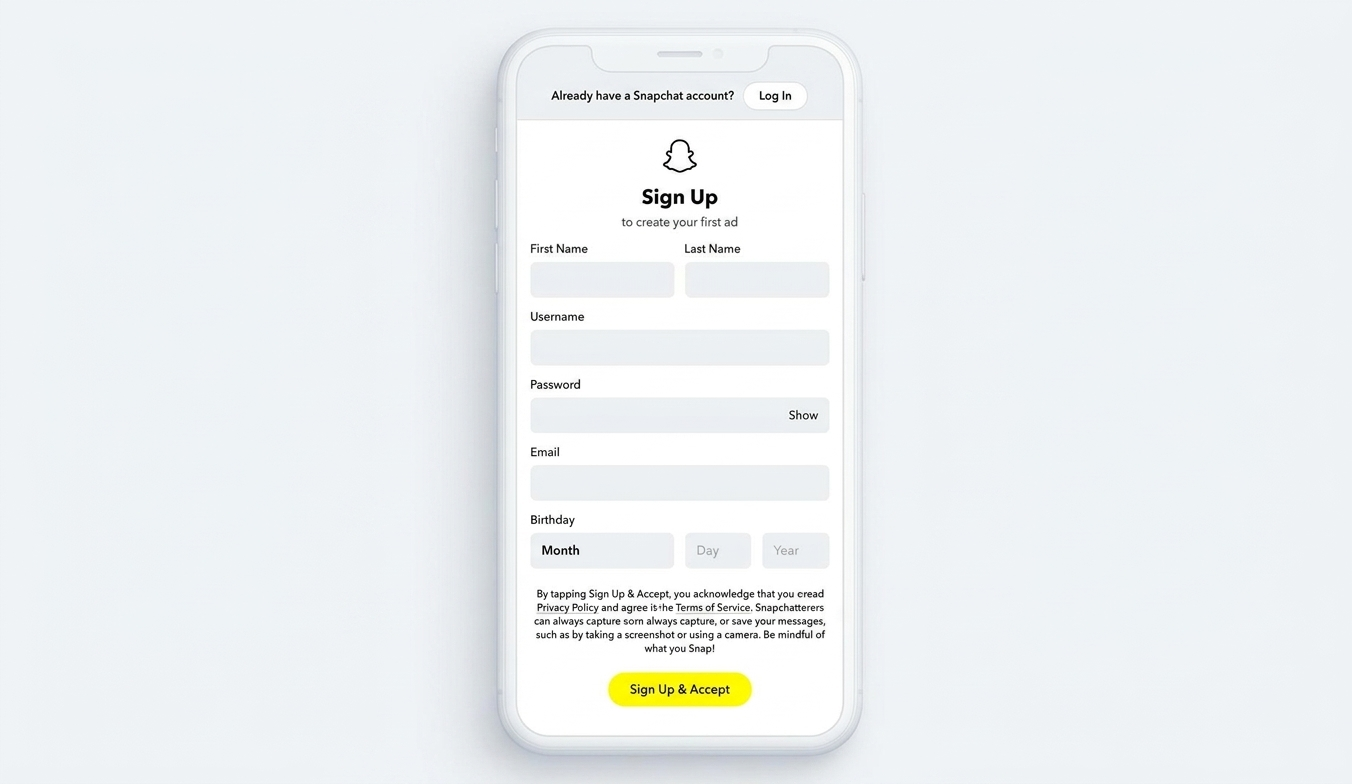
An email-only Snapchat account clears signup, yet it leaves gaps in security. With no phone number on file, a lost email means the password reset stalls with no verified contact to fall back on.
Three documented limits shape this route:
The gap is SMS-specific: Snapchat also offers authenticator-app and passkey two-factor authentication.
A virtual phone number is the route to pick for a Snapchat account that stays live. The number catches the same six-digit code, keeps SMS two-factor authentication alive, and hides your personal SIM. A short walkthrough below covers provider choice, verification, and a secured profile.
Paid providers with carrier-routed numbers pass Snapchat verification more often than free number pools. On SMSFAST, numbers carry a mobile tag that generally fits the type Snapchat accepts, though results vary by number, country, and carrier. Reliability, cost, and SMS support decide the pick.
Match the number's country to the region you want the account to sit in, which smooths verification. Virtual number providers often name United States and United Kingdom numbers as strong starting points. No country guarantees Snapchat acceptance, so read that as a tendency, not a rule.
Open Snapchat, start a new account, and move through name, birthday, username, and password to the phone number field. Snapchat confirms both a number entry step and an email alternative in that flow.
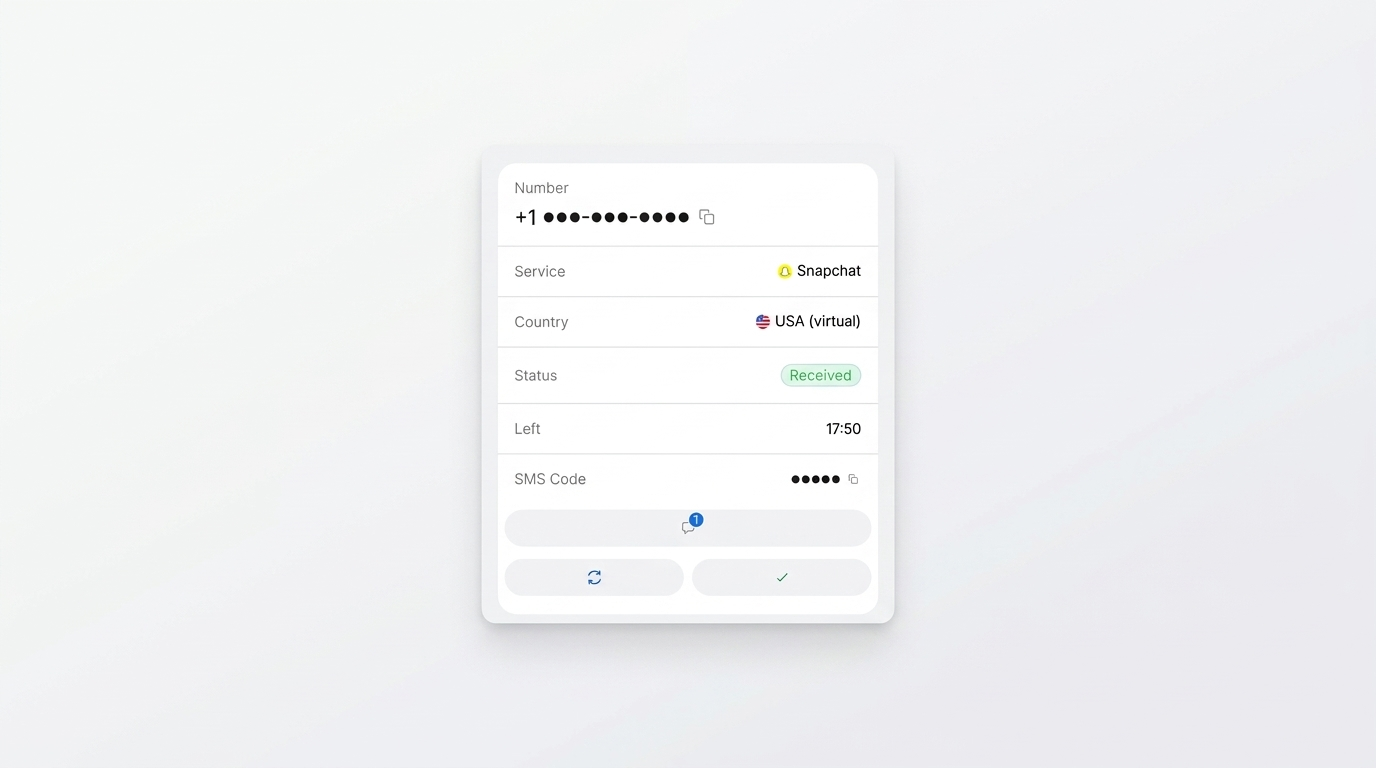
Paste the virtual number and start verification. The exact in-app taps shift between versions.
Read the six-digit code from your provider dashboard the moment it lands, then type it into Snapchat before the window closes. Codes usually arrive within seconds to a few minutes and expire shortly after. Snapchat does not publish exact delivery or expiry figures, so plan for approximate timing.
Finish your username and profile, then add a recovery email straight away. Skip this step and you create a recovery dead end. Snapchat cannot complete a password reset when the account holds no accessible verified contact, so an early recovery email protects access.
Resist tapping resend again and again. Snapchat reads too many requests as abuse and makes you wait before another try. The help text does not say whether that pause hits the number, the account, or both.
Number type decides the outcome. Carrier-routed mobile numbers pass Snapchat verification far more often than free VoIP numbers.
Free VoIP numbers such as Google Voice and TextNow draw frequent rejections. Snapchat sends its verification code by SMS to a mobile number, which sets the bar for the type that works.
A line-type lookup explains the split. Public validation tools and Google's libphonenumber sort any number into mobile, landline, VoIP, or toll-free.
That classification is the same signal verification systems use to flag a VoIP line. A paid carrier number reads as mobile on that check. The success-rate column below reports observed patterns, not an independently benchmarked figure.
Number type | Reported verification success |
| Free VoIP (Google Voice, TextNow) | Low |
| Paid VoIP | Mixed |
| Paid carrier-routed | Higher |
| Recycled or reused | Low |
Free and recycled numbers fail for a handful of reported reasons. The mechanisms below describe observed behaviour rather than confirmed Snapchat architecture, since the company does not document its backend checks.
A few problems show up more than the rest. Work through them in order before you give up on a number. The exact on-screen error wording shifts between app versions, so match the symptom rather than the label.
Secondary profiles cover real, everyday scenarios: dating safety, a parody page, or content testing. Privacy drives each one, not concealment, and none needs your real identity attached.
Start the account on a fresh email and a virtual number, so nothing ties back to your main identity. Open the discoverability controls during setup, and limit who can find you. Snapchat renamed Quick Add to Find Friends, and you turn off visibility there in Settings.
Decline the contact-sync prompt during setup, or your saved contacts may surface in Find Friends. Snapchat draws Find Friends suggestions from an uploaded contact book and lets you switch off showing up there. A declined prompt alone may not cover every case, so disable the setting by hand after creation too.
Pull the earlier steps into one low-footprint checklist. A spare profile stays quiet when you lock each control during setup:
A virtual number sits in a safe-but-careful zone. Snap Inc.'s Terms of Service discuss mobile phone numbers, yet they do not name or ban virtual numbers outright.
Available documentation does not confirm bans tied to number type rather than account behaviour. A virtual number also ties to no physical SIM, so a SIM-swap attempt finds one less route than a personal line.
Weigh these points before you commit:
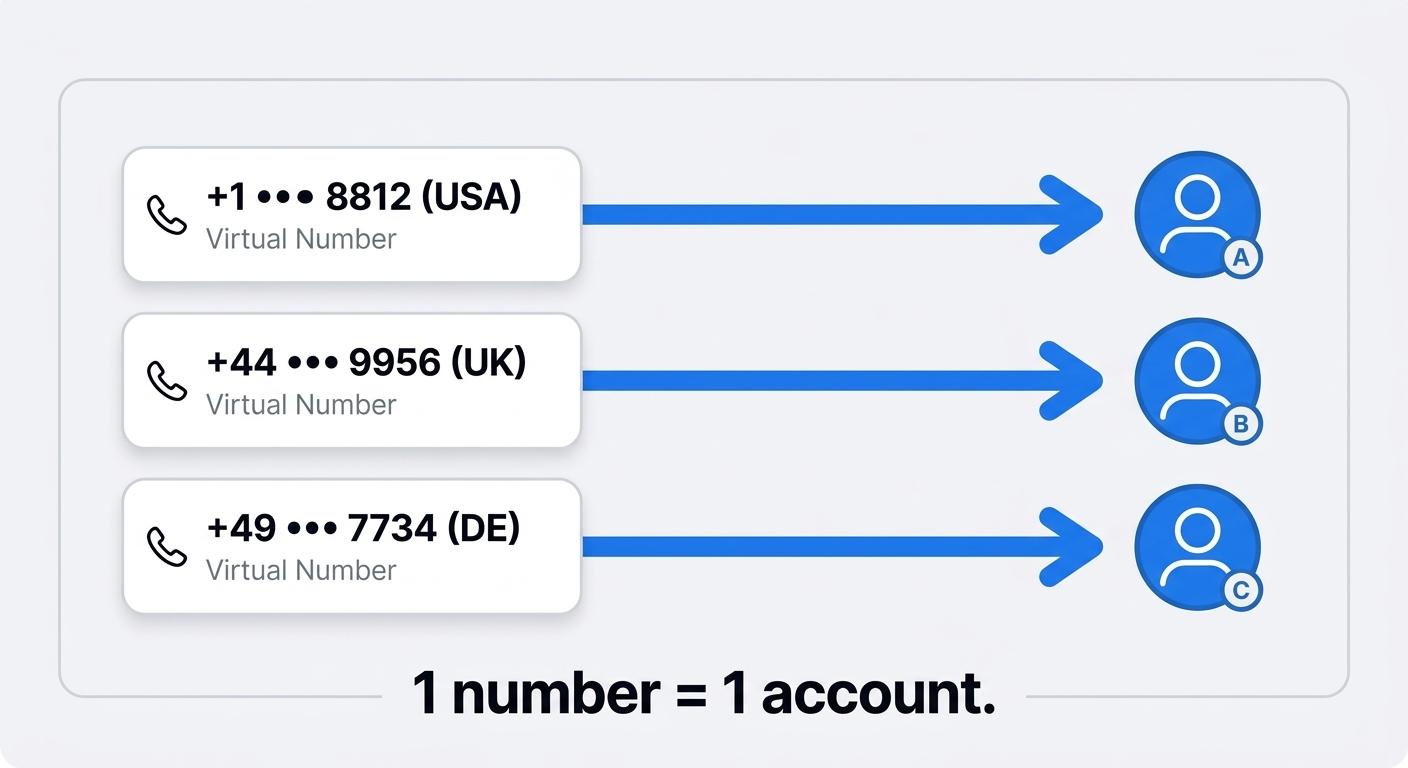
Snapchat lets one person hold more than one account, yet each account needs its own unique verified email or mobile number. Reused contact details drop from the older profile.
At a user level, creators pair one dedicated virtual number with each account and track them under a single provider dashboard. Snapchat does not endorse that workflow, so read it as a practical approach.
A long-term rented number beats a one-off line here, since it holds steady while the account stays live. That rental cannot be canceled after purchase, so pick the length you need up front. Cancellation for long-term rental is coming soon.
You can create a Snapchat account without a phone number, and the right route depends on the goal. A virtual number wins for long-term or creator accounts, because it keeps SMS two-factor authentication and stronger recovery.
Email signup covers a casual, one-off profile where losing access carries no cost. Pick the virtual number when the account matters, and the email route when it does not.
Subscribe to our Telegram channel and receive $0.25 on your balance.
Yes. Snapchat lets you sign up with an email address instead of a phone number, and a virtual number offers a second route. Email suits casual accounts. A virtual number suits accounts you keep, since it holds SMS two-factor authentication and stronger recovery.
Pick a carrier-routed virtual number, match its country to your account region, and enter it at the Snapchat phone screen. Read the six-digit code from your provider dashboard, type it in before it expires, then add a recovery email to protect access.
Yes. Snapchat lets you use an email address at the signup screen, so an email alone opens an account. The trade-off sits in recovery, since an email-only profile cannot turn on SMS two-factor authentication and leans on email for a password reset.
An email-only profile skips SMS two-factor authentication and relies on one contact method. If the linked email becomes unreachable, the password reset stalls with no verified fallback. A virtual number restores SMS recovery and a second verified contact, which hardens the account.
Snapchat uses a phone number to verify the account, support two-factor authentication, and aid recovery. One mobile number maps to one account, and the same contact details cannot cover several accounts. An SMS verification code confirms the number belongs to the person signing up.
Instagram needs a phone number or an email, not both. Sign up with email, remove a saved number, and control who finds you by phone.
You can open an Amazon buyer account with email only. Compare the methods, see the exact steps, and verify without sharing your personal number.