Quick answer: Viber needs a phone number and a six-digit verification code for every new account, so no method skips it entirely. You can still keep your personal number private by verifying with a virtual number instead. Three tested routes get you there: a virtual number, a disposable number, or a spare SIM.
Does Viber require a phone number to work?
Viber requires a phone number for every new account and verifies it with a code. That code arrives one of two ways: a six-digit code by SMS, or an automated Flash Call, where the code is the last four digits of the number that calls you. Each account ties to one unique number, which then acts as its permanent identifier.
The official Viber setup guide documents this step as mandatory. That number usually comes from a physical SIM card, which is exactly why registering without your personal one gets awkward.
Does Viber use your phone number for anything else?
Your registered number does more than pass the first login. That single number touches several core functions:
Verification: the app sends the six-digit activation code to your number at signup.
Account recovery: the app restores your chat history from backup and re-verifies you by SMS or call on a new device.
Contact matching: the app may also use your number to connect you with people who have it saved.
A virtual number can also change whether existing contacts spot you automatically.
Can you use Viber without a phone number? Setting realistic expectations
You cannot register Viber with no number at all, but you can avoid handing over your personal one. The official setup offers no numberless path, so older "skip verification" shortcuts stay undocumented and unreliable.
The route that works swaps your real number for a virtual phone number that still receives the code. A virtual phone number is a cloud-based number that catches SMS codes online without a physical SIM. Viber's six-digit verification code is single-use and expires within minutes, so the replacement number only has to receive one message in time. That swap keeps your personal number off the app while the account still clears verification.
How to activate Viber without a phone number: 3 proven methods
Three routes verify Viber without your personal number: a virtual phone number, a disposable number, or a spare SIM. Each one still has to catch the same six-digit SMS verification code, so the real question is which delivers it reliably and keeps your details private. The table weighs cost, setup time, and reliability.
Method
Cost
Setup time
Reliability
Ideal for
Virtual number (SMSFAST)
Low, per number
2 to 3 minutes
High
Private accounts you keep
Disposable / free number
Free or minimal
1 to 2 minutes
Low
One-time sign-ups
Spare or secondary SIM
Cost of a SIM
Varies
High
People who own one already
SMSFAST covers Method 1 with private virtual numbers for Viber and 500+ other platforms. That same number also serves the desktop app later: once your phone activates the account, Viber QR code activation links Viber Desktop without a second number.
Method 1: Activate Viber with a virtual phone number
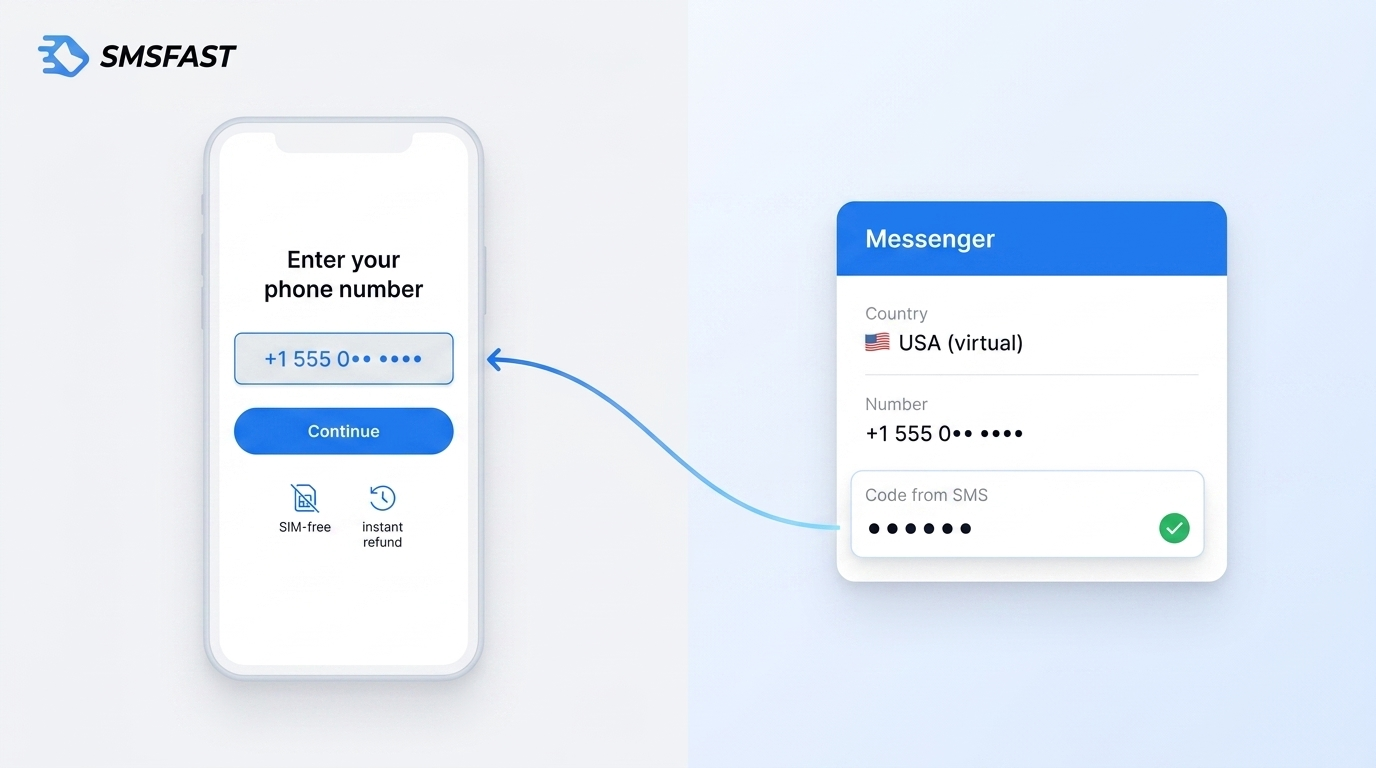
A virtual phone number from SMSFAST catches the six-digit SMS code in your dashboard. SMSFAST sells these as non-VoIP, real-SIM lines, which matters because Viber rejects VoIP numbers. The process runs in six short steps:
Log in or register on SMSFAST.
Top up your balance.
Select Viber and a country.
Buy the number and copy it.
Paste the number into the app and start verification.
Read the six-digit code from your SMSFAST dashboard and type it in.
Activation numbers stay live for 20 to 90 minutes, so enter the code promptly. SMSFAST reports an average Viber delivery rate near 52 percent, so expect some misses. That is what the automatic refund covers: if no code lands, SMSFAST returns the cost to your balance with no support ticket. New users also claim a $0.25 balance bonus for subscribing to the SMSFAST Telegram channel.
Method 2: Use a temporary or disposable number service
Disposable numbers cost little or nothing, and a public inbox hands you one in seconds. That convenience comes with shared access: anyone watching the same number can read the code, and Viber often refuses numbers it has already seen. Some third-party guides report Viber rejecting shared numbers, though no official public blacklist confirms that.
One documented catch bites here: Viber's activation help states that VoIP numbers cannot be used to register. Free numbers are usually flagged as VoIP, so the app rejects them, which pushes reliability toward paid non-VoIP pools.
Method 3: Use a spare SIM or secondary number
A prepaid or dormant SIM card verifies Viber as a plain, no-frills fallback rather than a separately documented method. It skips the privacy gains of a virtual number and needs a second physical SIM with an active line able to receive the code. That suits people who already keep one around.
How to activate Viber without a code
When the SMS never lands, Viber falls back on two built-in options: an automated phone call, or activation on your old device. Delivery gaps hit disposable numbers hardest.
Both fallbacks live inside Viber's official setup flow, so they need no third-party tool. An old device already signed into Viber can approve the new one without any code at all. Viber never sends the code by email either, so ignore any service that promises email delivery.
Requesting a voice call instead of SMS
When the SMS stalls, Viber offers a call instead, usually a Flash Call: an incoming call you do not answer, where the code is the last four digits of the calling number. Three steps trigger it:
Start setup and enter your number.
Wait out the SMS countdown on the code screen.
Tap Activate via call, then let the app read the last four digits of the incoming call.
A Flash Call only reaches a number that can receive calls. SMSFAST numbers take SMS only, so this route needs a physical SIM instead. The app allows three code attempts before a 24-hour wait, as Viber's setup guide explains.
Confirm the number can receive standard SMS, and send a test text from another phone.
Switch between Wi-Fi and mobile data.
Turn on data roaming if you are abroad.
Respect the three-attempt limit, then wait 24 hours after failures.
Request the code by call, change the number, or contact support.
Repeated failures point to the number itself, so a dependable pool such as SMSFAST cuts that risk. Read more on disposable phone numbers first.
Step-by-step: activating Viber with a virtual number (full walkthrough)
This walkthrough pairs the SMSFAST number from Method 1 with the full Viber-side setup: app download, profile, and desktop hand-off in one list. Method 1 covers buying the number; the steps here cover everything the app itself needs.
Download Viber from Google Play or the App Store.
Register on SMSFAST and claim the $0.25 Telegram bonus.
Buy a Viber number for your country in the SMSFAST widget.
Enter that number in the app and start verification.
Read the six-digit code from your SMSFAST dashboard and type it in.
Complete your profile and start messaging.
For accounts you keep, SMSFAST long-term rental holds one number for as little as a day or as long as a year, with renewals. Viber Desktop then links to the same account by QR code once your phone finishes activation, so linked devices keep working without a SIM.
Viber login with phone number vs. without: what actually changes
A Viber account's identity rests on its phone number, not a username, whether that number is real or virtual. Core behaviour stays the same: you send and receive messages, place Viber calls, and back up chats either way. The practical differences sit in contact discovery and recovery. People who saved your real number find you automatically; a virtual number may not surface that link. Recovery also leans on the number staying active, so a lapsed rental can lock you out.
Aspect
Real personal number
Virtual number
Account identity
Phone number
Phone number
Receiving codes
Your own SIM
SMSFAST dashboard
Contact matching
Automatic with saved contacts
May be limited
Privacy of real number
Visible to the app
Kept private
Account recovery
Through your SIM
Needs the number kept active
A virtual number keeps your real one private, at the cost of some contact discovery.
Can I use Viber without a phone number long-term?
Yes, an account on a virtual number holds up long term, as long as that number stays active. SMSFAST long-term rental keeps one number for as little as a day or as long as a year, and you can renew it, though no provider sells a number permanently.
Keep the rental live, or you risk losing access when the number retires. A rental cannot be canceled after purchase, so pick the length you actually need up front. For the wider picture, see what a virtual phone number actually does.
Does Viber give you a phone number? Clearing up the confusion
Viber does not hand you a new phone number. It uses only the number you enter at signup and generates nothing of its own. Services such as Google Voice and Skype assign a fresh number instead, which is where the mix-up starts. A virtual number for Viber works the other way around: a provider like SMSFAST provisions the number online and receives the SMS code for you, so the number already exists before Viber ever sees it.
Even Viber Out calls run through your registered number, never a new one from the app.
Risks, limitations, and privacy considerations
A non-personal number carries clear trade-offs worth weighing first:
Multiple accounts: Viber's Terms of Service (section 7) prohibit creating multiple accounts, and let it suspend accounts with incorrect or incomplete details.
VoIP rejection: Viber does not accept VoIP numbers for registration. Classification runs through HLR databases, so no provider can guarantee a pass.
Recycled numbers: a rented number may already be tied to someone else's account. If the app flags it, cancel before requesting the code for an automatic refund.
Inactivity: Viber may deactivate an account left unused for twelve consecutive months, so a dormant second profile can lapse.
Delivery gaps: SMSFAST reports about 52 percent delivery for Viber, so plan on some misses that the automatic refund covers.
Conclusion
For a private signup that still clears verification, a dependable virtual-number provider settles the choice. SMSFAST refunds your balance automatically when a code fails, rents numbers long-term for accounts you keep, and hands new users a $0.25 Telegram bonus to start.
Buy number for
service
Available
numbers:
pcs
service
There are no numbers
Frequently Asked Questions
Can I activate Viber without using my phone number?
No. Viber requires a phone number and a six-digit code for every account. You can skip your personal number by verifying with a virtual number from SMSFAST, which receives the code in your dashboard, not on your SIM.
Can I use a virtual phone number to activate Viber?
Yes. A virtual number from SMSFAST catches Viber's six-digit SMS code without a SIM. It receives SMS only, so if Viber uses a Flash Call instead, that attempt needs a call-capable number.
How do I activate Viber on another device?
Viber offers a code on your old device during setup, then links the new one. The desktop app connects to the same account after your phone activates it, so it runs without its own number.
Will Viber work without a SIM card?
Yes, after the first activation. The app needs a number and code once, then runs over Wi-Fi. Viber Desktop keeps working without a SIM once your account is linked.
How can I get a Viber verification code without a SIM card?
Buy a virtual number on SMSFAST, enter it in the app, and read the six-digit code from your dashboard when Viber sends it by SMS. SMSFAST numbers do not take calls, so the Flash Call route needs a different number.
A Grindr account is a location-based profile for LGBTQ+ connections. Learn how to create one, what phone verification requires, and how to protect your privacy during sign-up.
Cash App allows one verified account per SSN, not per phone or email. See the real rules, the legitimate business-account path, and what happens if you break policy.